Filtering Options
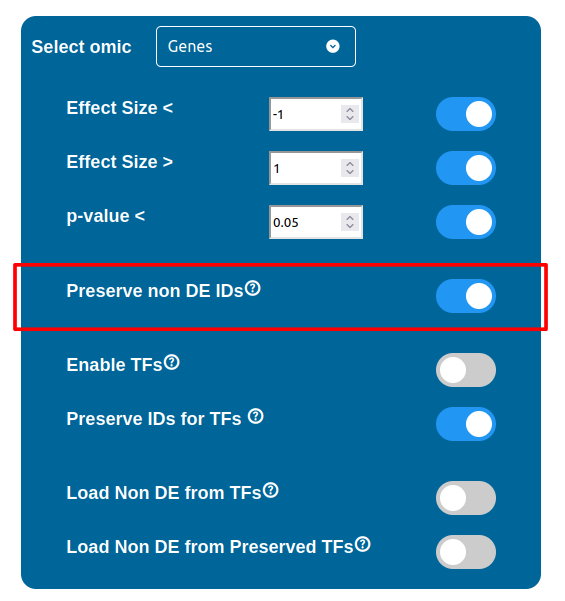
There are three filters available for each data type, which can be enabled by checking the respective box and requires a threshold value to be written in the input field next to it. These three filters are summarized below:
Effect Size “<” : filters out all the components with an Effect Size value greater than the threshold selected
Effect Size “>” : filters out all the components with an Effect Size value smaller than the threshold selected
p-value “<” : filters out all the components with a p-value value greater than the threshold
Warning
Whenever a threshold field displays a red background, it means that the aforementioned threshold is not valid and contains a typing error. In this situation if the related filter checkbox remains enabled, the submit button will disappear until this error is either fixed by changing the threshold value or by disabling the filter.