Database Configuration
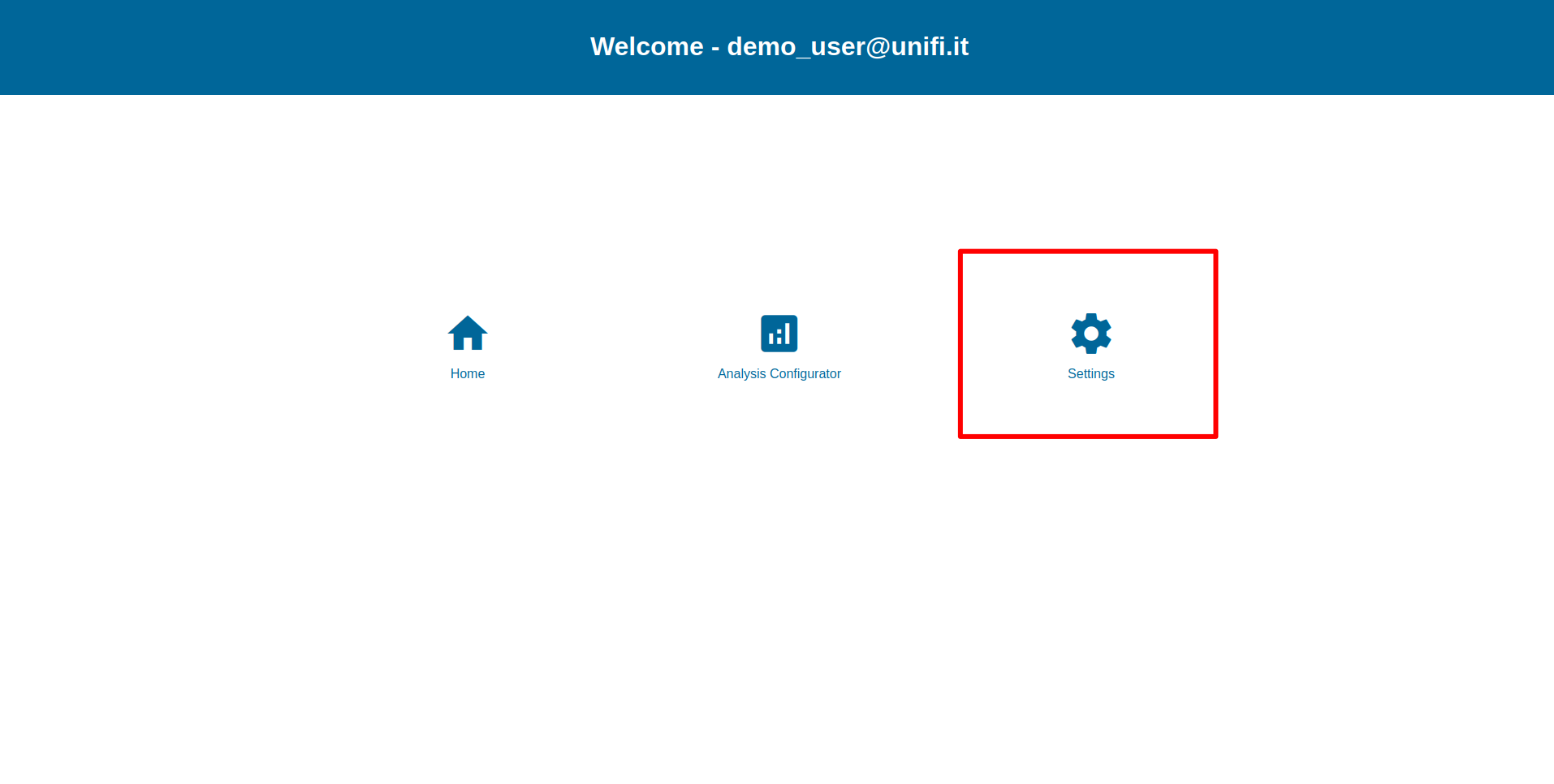
Database configuration is accessible only from the host machine where PathLay is installed, this is due to avoid that many users in parallel can run it. It is a crucial step to be performed to make PathLay usable and it articulates as follows:
Select the organism to Configure
Check for files regarding components interactions
Check for pathway files
Warning
There could be problems during the installation. If that happens please refer to the Alternative installation section.
Organism Selection
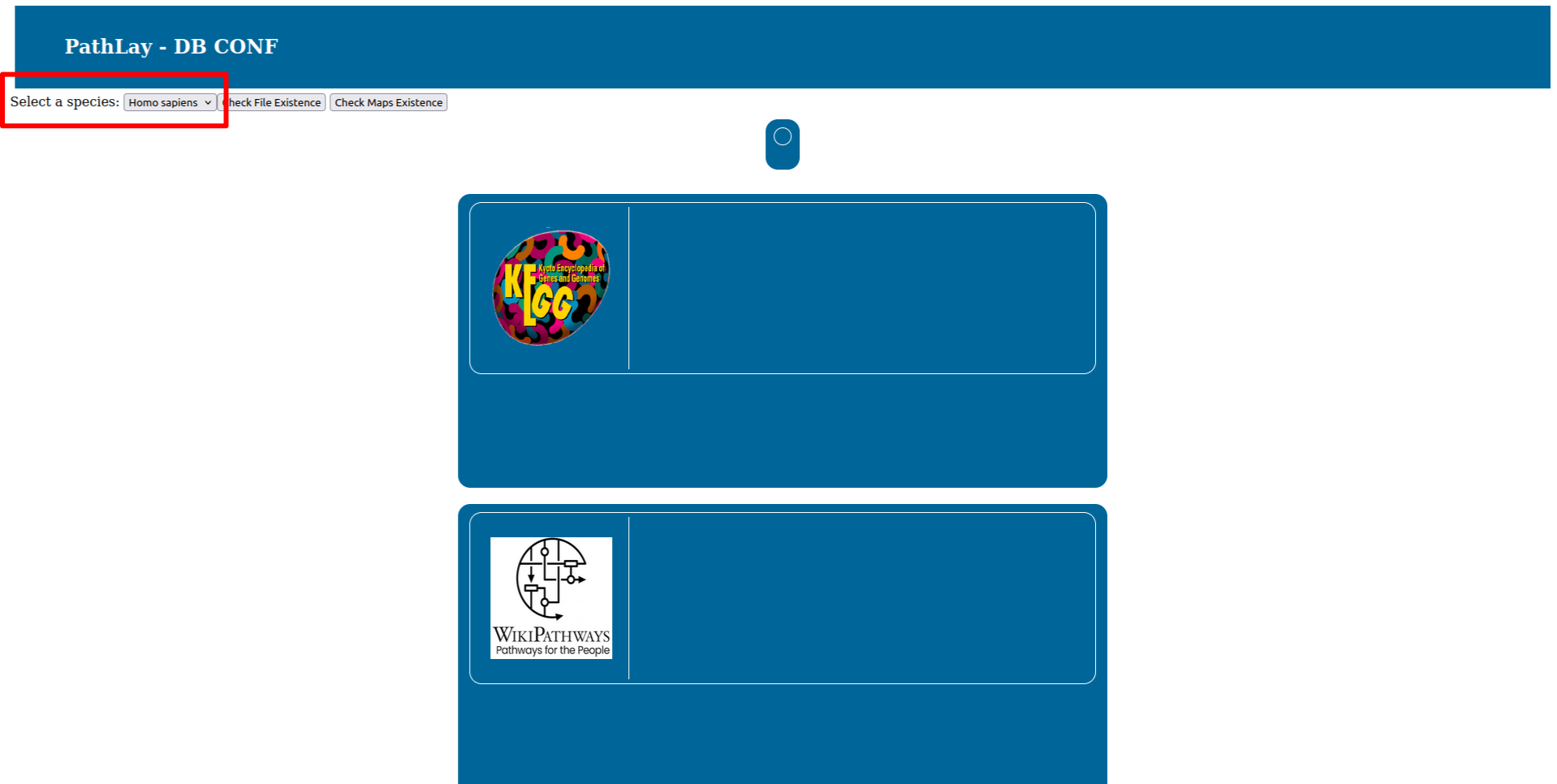
To select the organism database to configure use the selector on the top right. At this stage PathLay supports only Homo Sapiens and Mus musculus.
Interaction Files
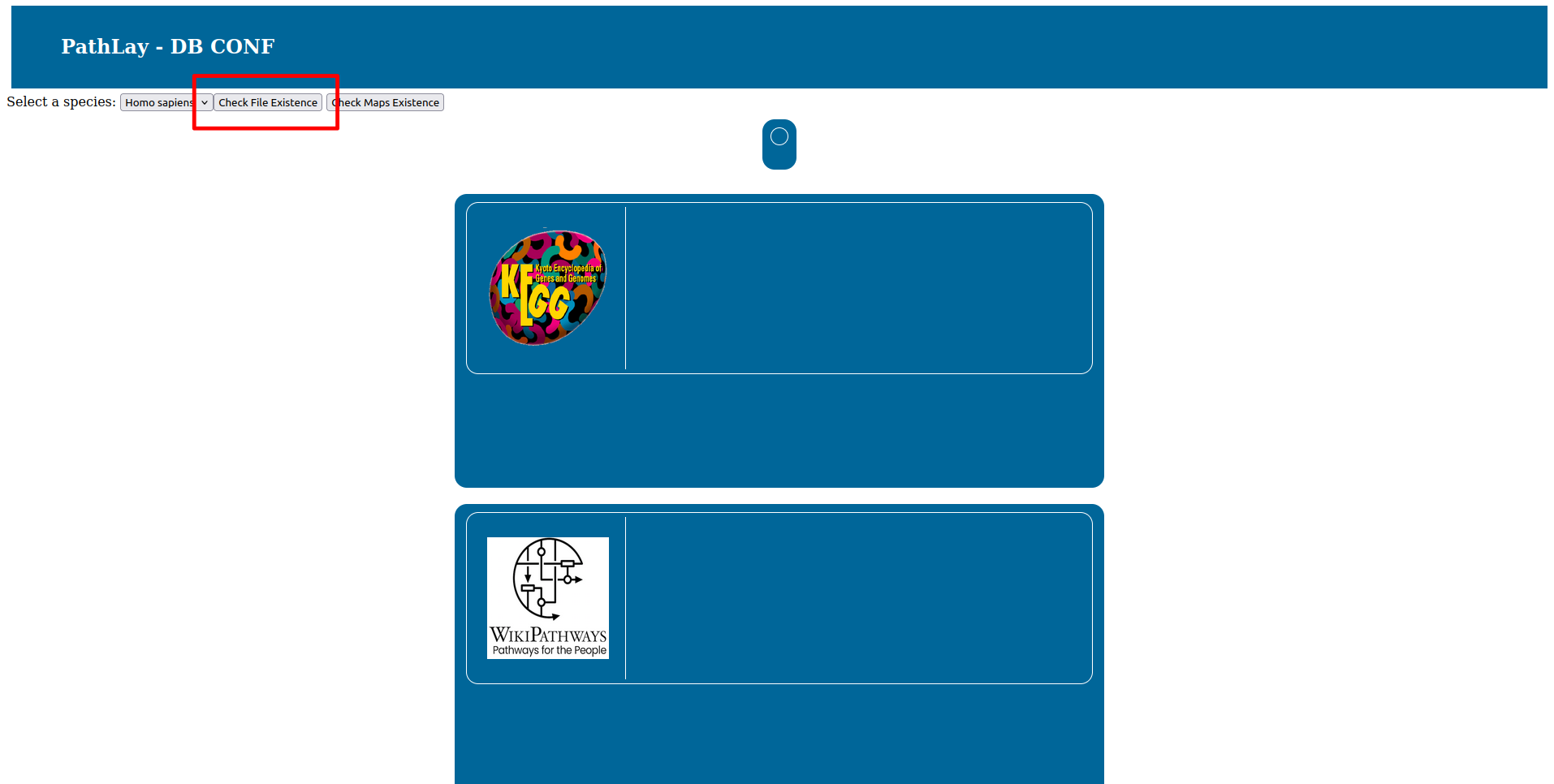
Press the “Check File Existance” button to check if the database is ready. On your first installation of PathLay of course this will result in all files missing, as reported by the red boxes.
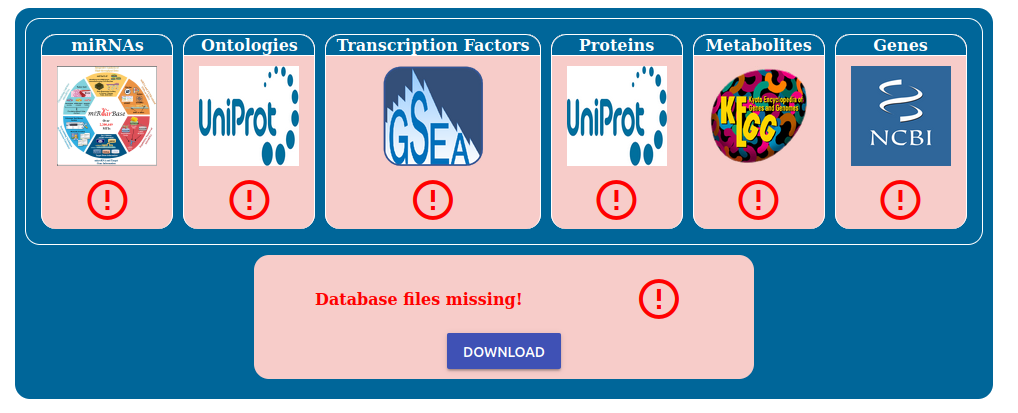
To begin the installation process click the “Download” button and simply wait for the downloads to finish.
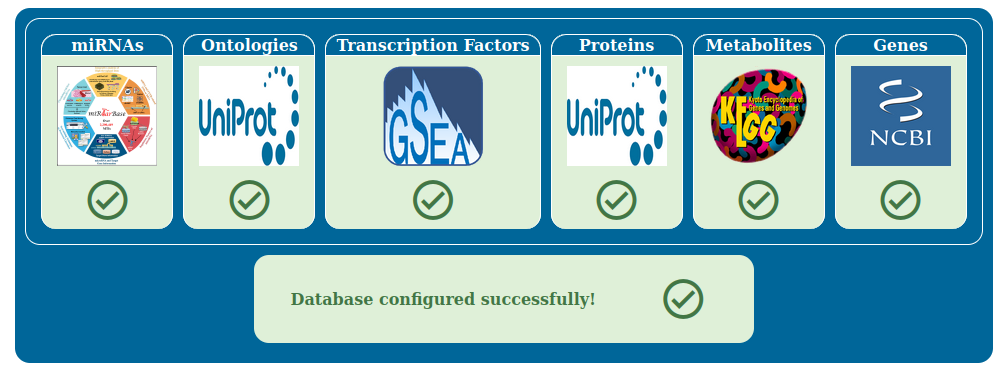
Once all the downloads are done, the boxes will turn green and you can proceed to the next step.
Pathway Files
Press the “Check Maps Existance” button to check the pathway database status. Pathway databases supported are KEGG and WikiPathways. On your first installation of PathLay of course this will result in all files missing, as reported by the red boxes.
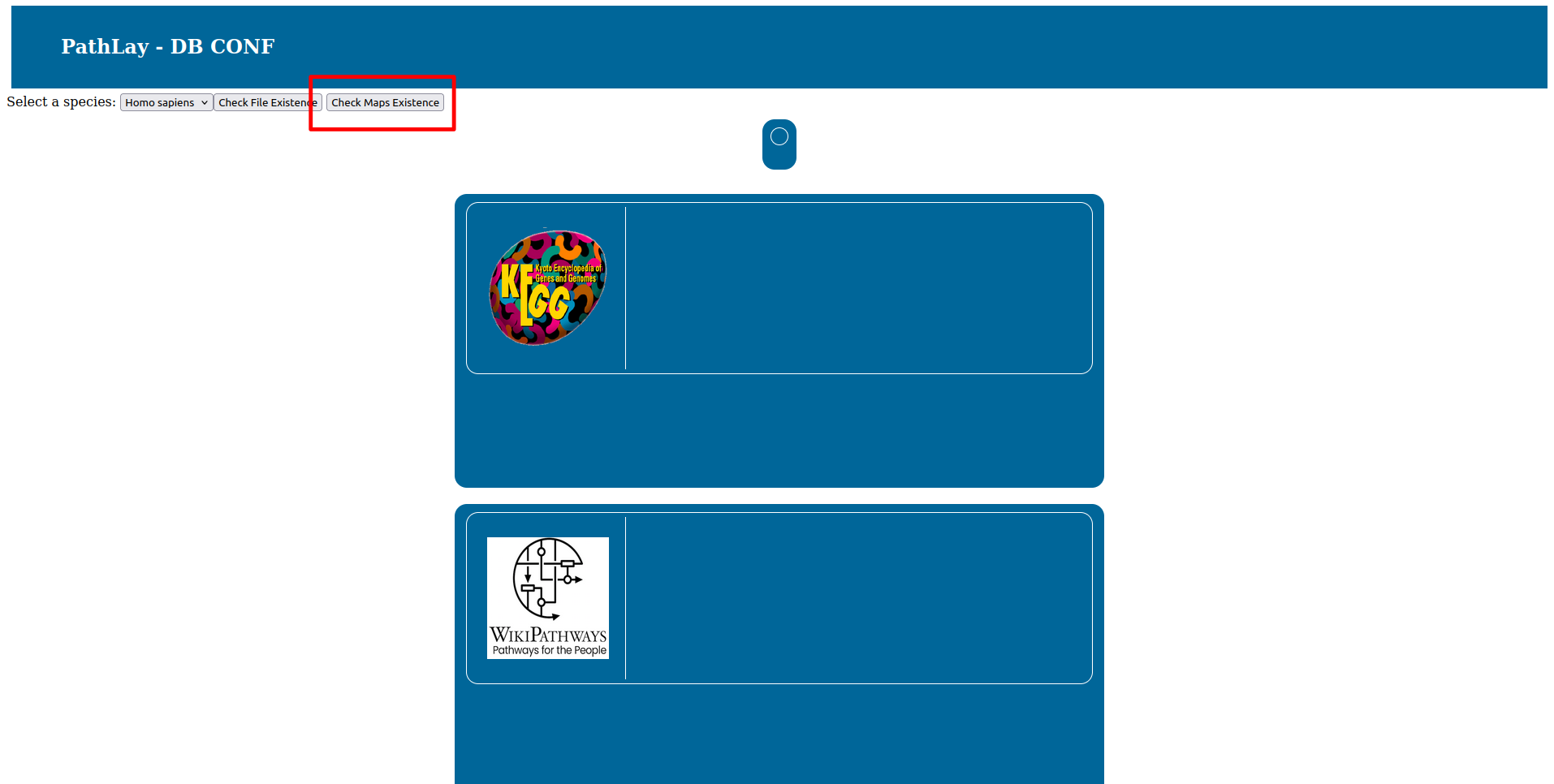
To begin the installation process click the “Download” button and simply wait for the downloads to finish.
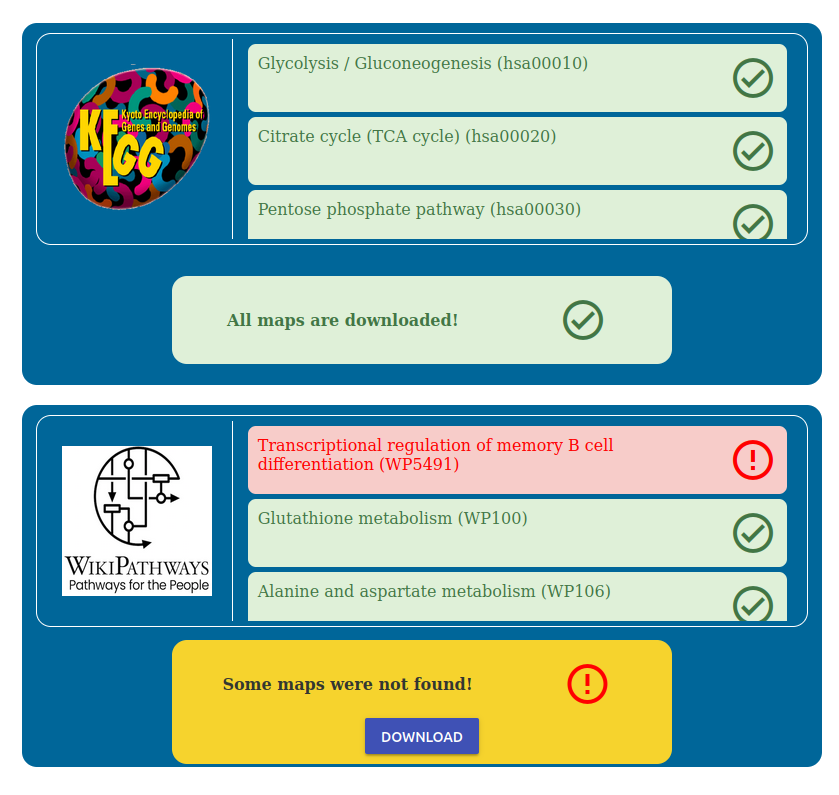
You can monitor which maps are being downloaded in the corresponding box.
Note
Downloading may take some time, and it is recommended to download one database at a time for a smoother process.
Alternative installation
If the online databases are not responding due to technical issues or the configuration page doesn’t function as expected, you can manually install the required data. We have provided a GitHub repository with a pre-configured database.
To use this alternative:
Access the repository here.
Download the pathlay_data folder.
Overwrite the pathlay_data folder on your system with the one from the repository.